You don't need to replace your phone or build a full studio to improve the way you create. Often, it's the setup around your phone that makes filming feel easier and gives you more control over the finished result.
Start with these five areas.
1. Give Your Phone Somewhere Stable to Sit
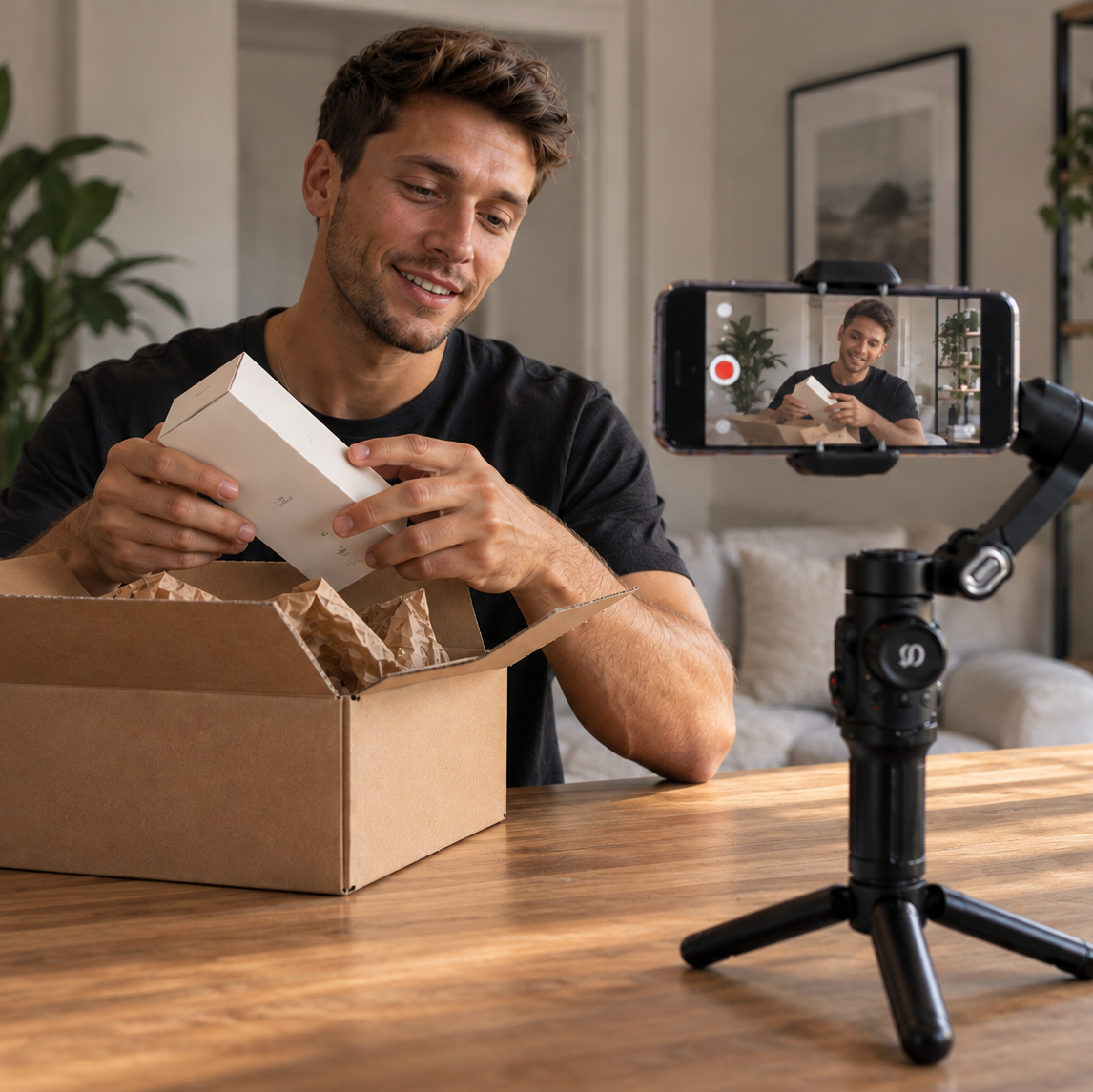
Holding your phone is fine for quick clips, but it becomes limiting when you're filming tutorials, products or yourself.
A tripod or stable phone stand keeps your framing consistent and frees up your hands. If you regularly film while moving, a smartphone gimbal can provide additional stabilisation while still letting you move with the shot.
2. Position Your Light Before You Start Filming
More light isn't always the answer. Where the light comes from matters too.
Try positioning your main light in front of you rather than relying on strong overhead or background lighting. A portable fill light can help when natural light isn't available or changes throughout the day.
3. Bring Your Microphone Closer
Distance matters when recording speech.
If your phone is positioned several feet away, its built-in microphone also moves further from your voice. A wireless microphone lets you bring the audio source closer without moving the camera position.
This can be particularly useful for tutorials, demonstrations and talking-to-camera content.
4. Make Solo Filming Easier to Control
Constantly walking between your filming position and your phone quickly becomes frustrating.
A Bluetooth camera remote can control compatible functions from a distance, while a rear-camera selfie monitor can help you check your framing when there's nobody behind the phone.
Small changes like these can make a solo setup much easier to manage.
5. Build Around What You Actually Create
A good setup should suit your content, not somebody else's.
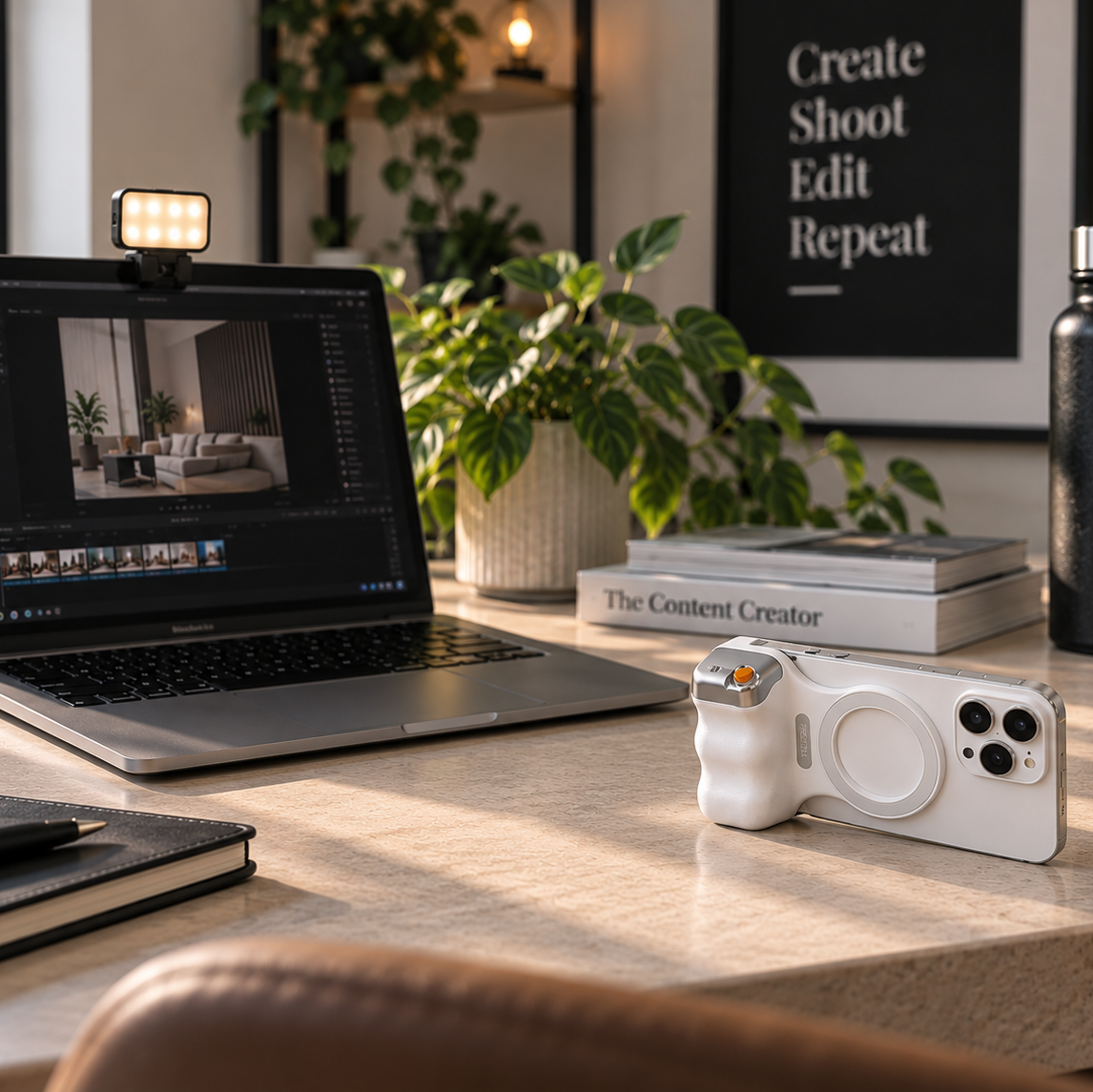
Someone filming mostly from a desk may benefit from lighting and a stable phone position. Travel and lifestyle creators may prioritise portability and stabilisation, while UGC creators could benefit more from lighting, audio and easier self-framing.
You don't need every piece of creator gear at once. Start with the part of your setup that's getting in the way, then upgrade from there.

Leave a comment
This site is protected by hCaptcha and the hCaptcha Privacy Policy and Terms of Service apply.